Logitech
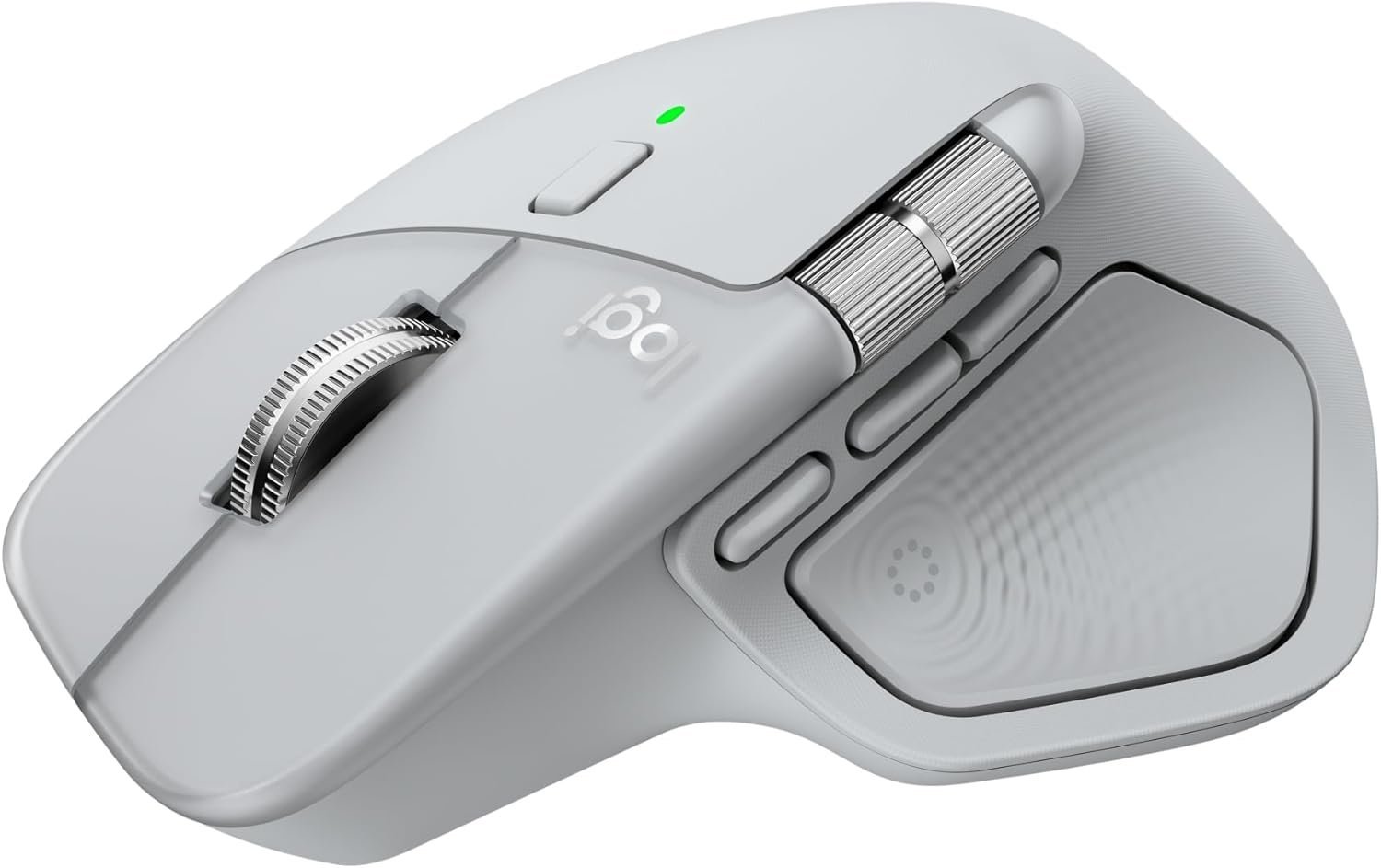
Logitech MX Master 4 Wireless Ergonomic Mouse
Haptic feedback and the Actions Ring put your favorite shortcuts under your thumb with effortless precision.
Affiliate disclosure
As an Amazon Associate I earn from qualifying purchases. Links to Amazon on this page may earn us a commission at no extra cost to you. This does not affect our research or the products we choose to cover. Read our full affiliate disclosure.
Quick verdict
The Logitech MX Master 4 is the gold standard for productivity mice, built for professionals who live in spreadsheets, timelines, and code editors. Its headline feature is all-new haptic feedback paired with the customizable Actions Ring, putting your favorite shortcuts under your thumb with a subtle vibration confirming every action. The signature MagSpeed wheel scrolls thousands of lines in seconds, it pairs with up to three devices across Windows and macOS, and weeks of battery life come standard with fast USB-C charging.
Key specifications
Haptic Feedback
Yes, with Actions Ring
Scroll Wheel
MagSpeed Ultra-Fast
Device Pairing
Up to 3 Devices
Battery Life
Weeks on Charge
Who should consider it
- Professionals who live in spreadsheets, timelines, and code editors
- Multi-device users with laptop + desktop setups
- Anyone who spends hours daily on repetitive tasks
Who should skip it
- Left-handed users
- Buyers seeking a compact, travel-friendly mouse
Research methodology
This article is based on desk research rather than hands-on physical testing. We compare the manufacturer's published specifications and documentation, listed features, pricing, and comparable products in the same category. Where a claim cannot be verified from the manufacturer or the product listing, we leave it out. Specifications and prices can change over time; always confirm the current details on the retailer's page before buying.
Main advantages
- Haptic feedback and the Actions Ring make shortcuts feel effortless and genuinely speed up daily work
- Sculpted ergonomic shape and MagSpeed ultra-fast scrolling are unmatched for long office sessions
- Seamlessly switches between three devices — perfect for laptop + desktop setups
Main limitations
- Right-handed shape only, so left-handed users are out of luck
- Premium productivity pricing, and its full-size body is bulkier than travel-friendly mice
Competing products
The Mouse category includes many alternatives at a range of price points. When comparing options, weigh the specifications and features listed above against your budget and how you plan to use the device. Other products we have researched in this category are listed below.
Alternatives
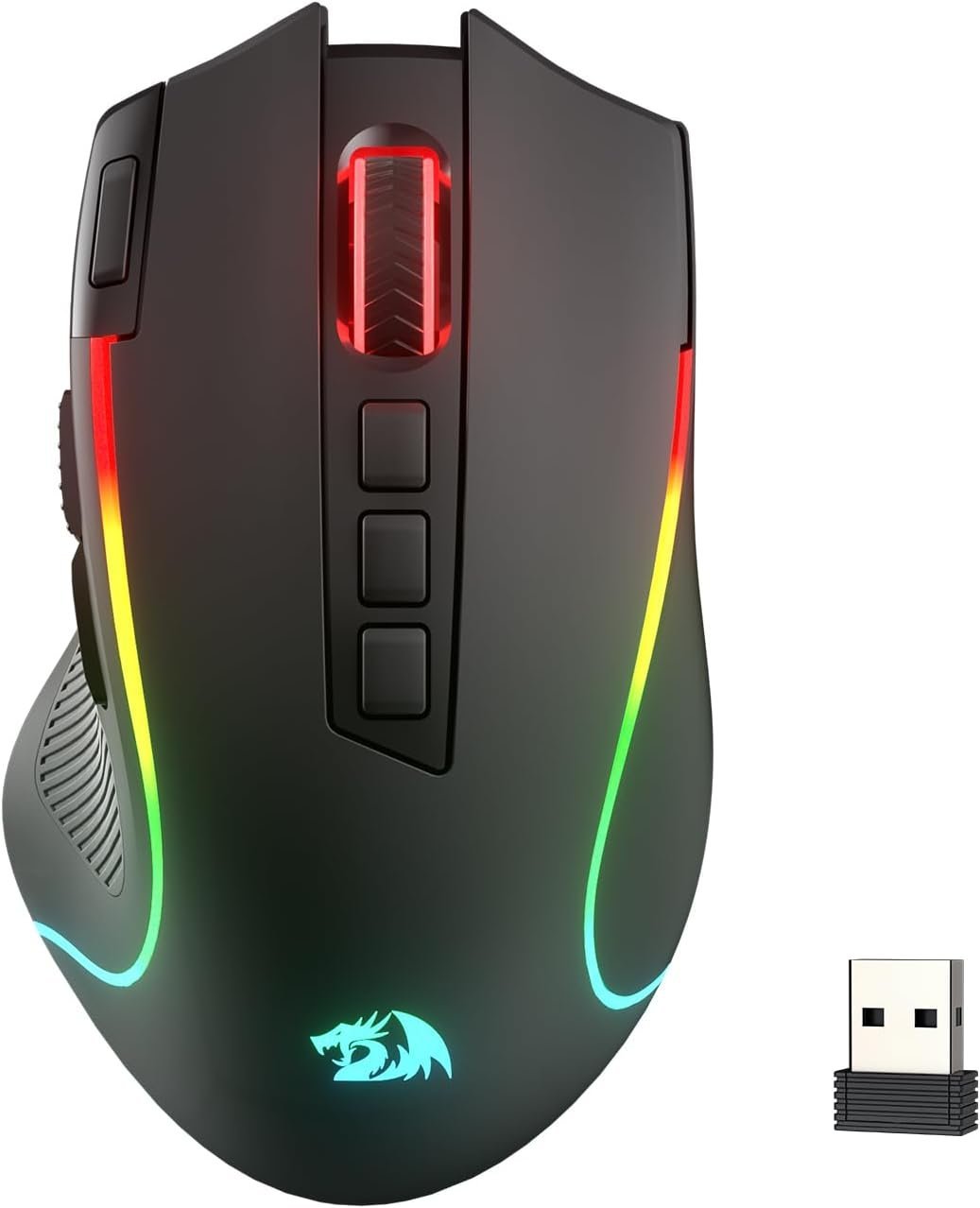
Redragon M612 Predator RGB Gaming Mouse
Strong budget option
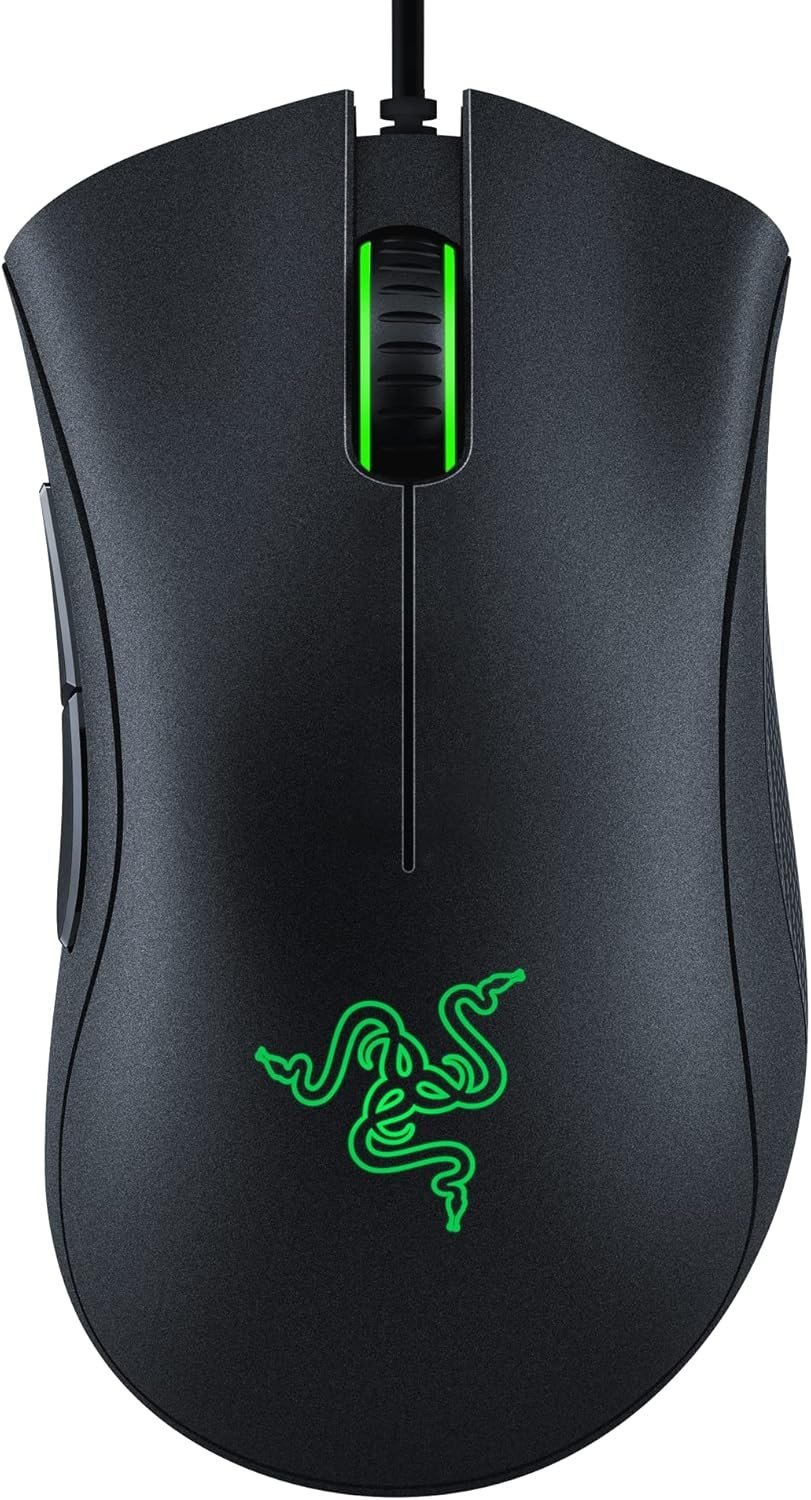
Razer DeathAdder Essential Gaming Mouse
Best ultra-budget ergonomic gaming mouse
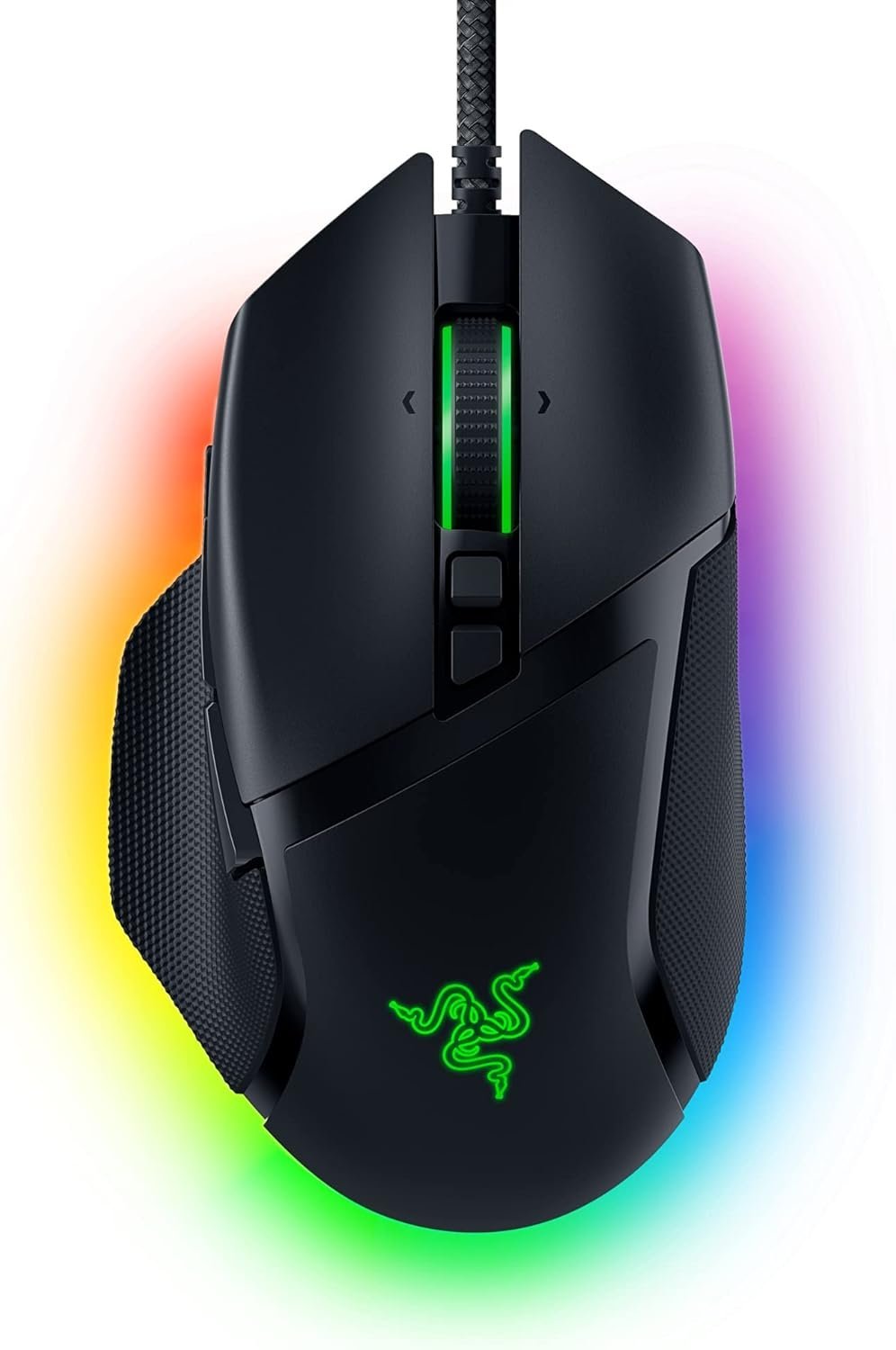
Razer Basilisk V3 Customizable Ergonomic Gaming Mouse
Best budget wired gaming mouse
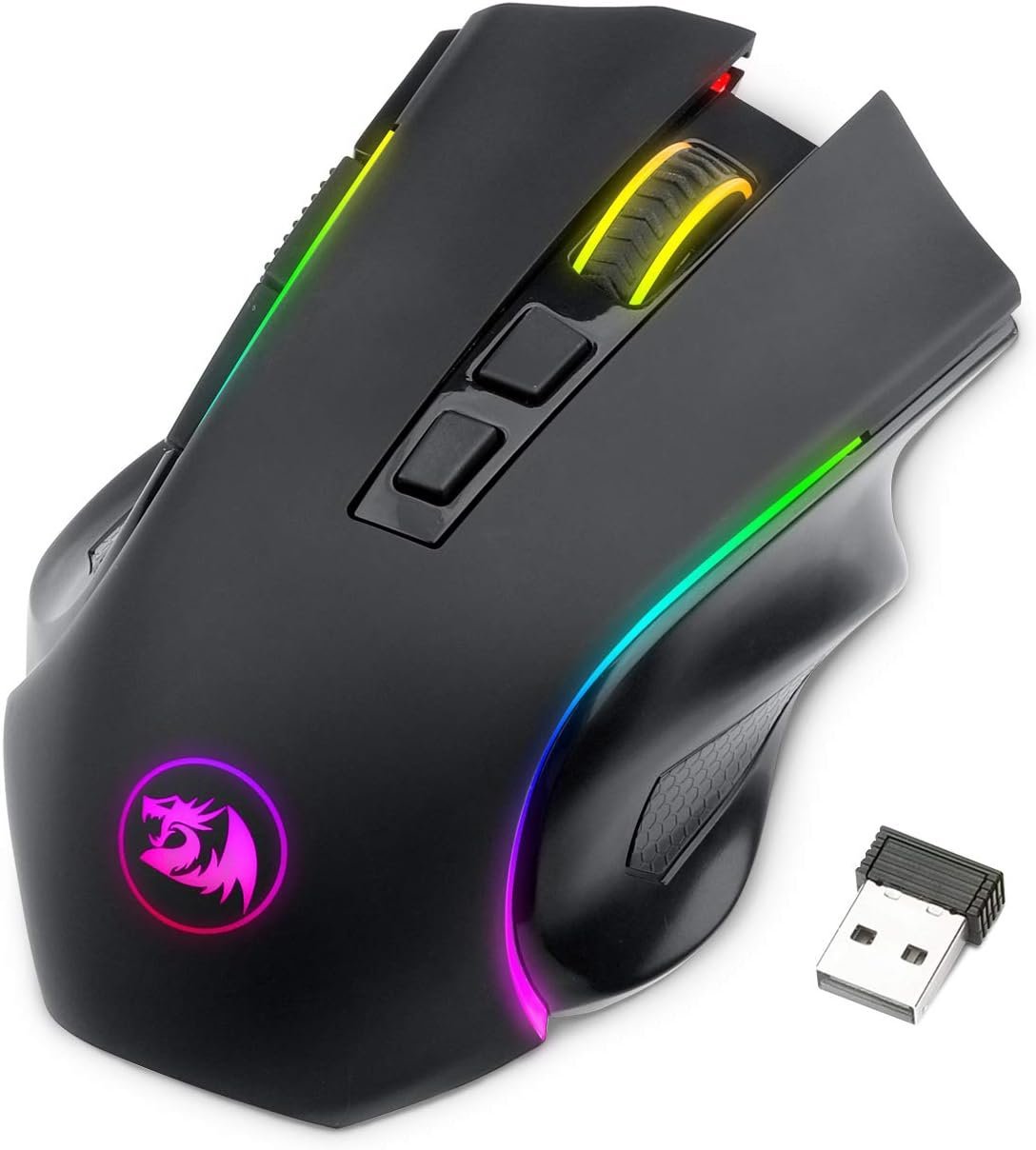
Redragon M602 Griffin RGB Tri-Mode Wireless Gaming Mouse
Best ultra-budget tri-mode RGB gaming mouse
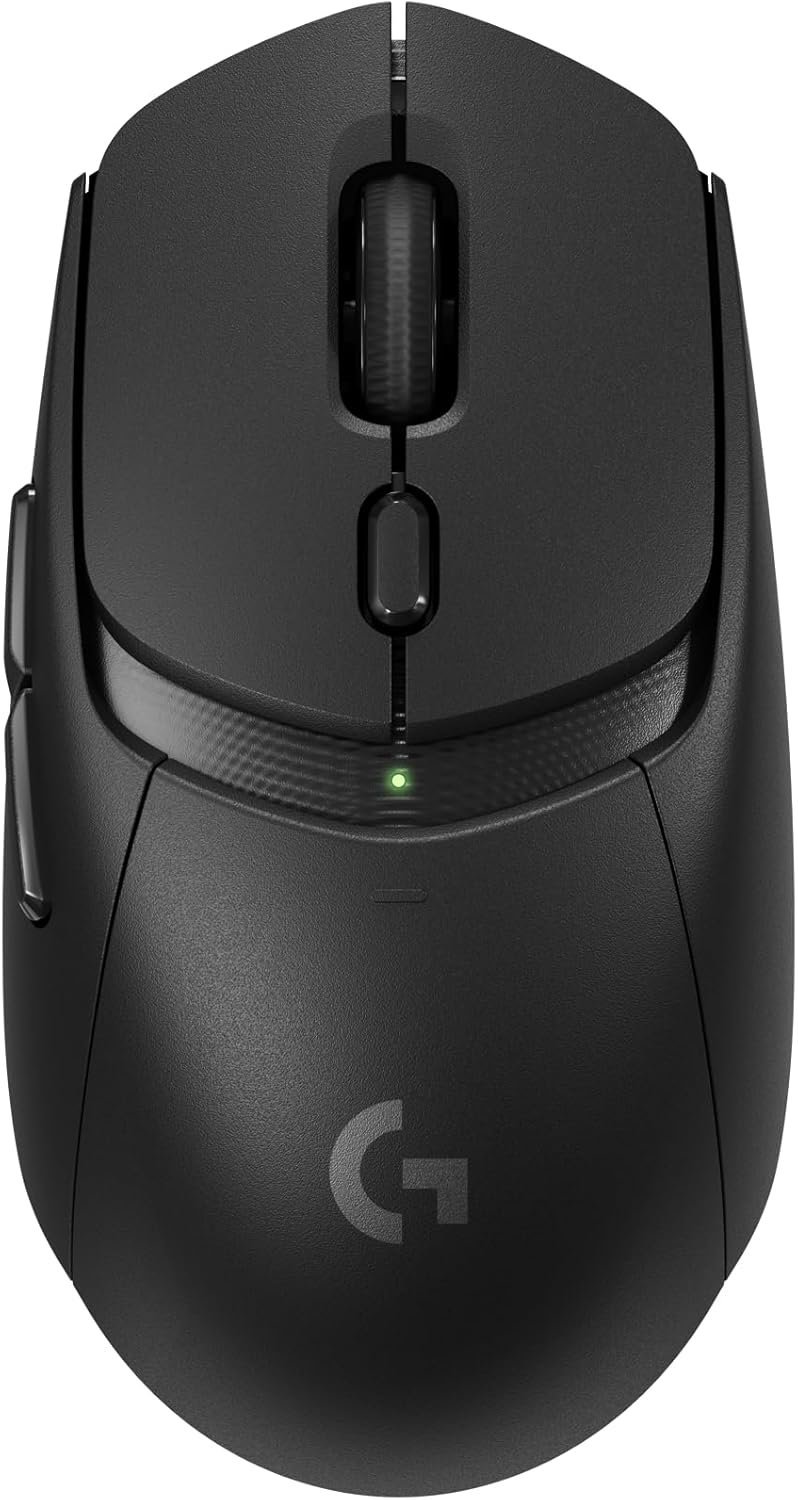
Logitech G309 Lightspeed Wireless Gaming Mouse (Black)
Best versatile sub-$60 wireless gaming mouse
Looking for something different? Explore all our Mouse research or browse the latest reviews.
Frequently asked questions
What is the Actions Ring?
It is a customizable haptic dial under your thumb that lets you assign shortcuts and feel subtle vibration feedback confirming every action.
How fast does the MagSpeed wheel scroll?
It can scroll thousands of lines in seconds, making it ideal for long spreadsheets and documents.
Can it pair with multiple devices?
Yes, it seamlessly switches between up to three devices across Windows and macOS.
Sources
- Logitech manufacturer product documentation and published specifications
- Amazon product listing (pricing and availability, checked July 13, 2026)
Author
GadgetVetted Editorial Team. See our research process and editorial policy.
Published July 13, 2026 · Last updated July 13, 2026
Get research in your inbox.
Get our latest research and buying guides delivered weekly.
Email subscriptions are being upgraded.
Weekly updates will reopen soon. All product research remains available on the site.